PostgreSQL HIPAA Compliance: A Developer's Step-by-Step Guide
Learn how to make a PostgreSQL database HIPAA compliant with a hands-on guide covering encryption, row-level security, RBAC, and audit logging — with real SQL examples.
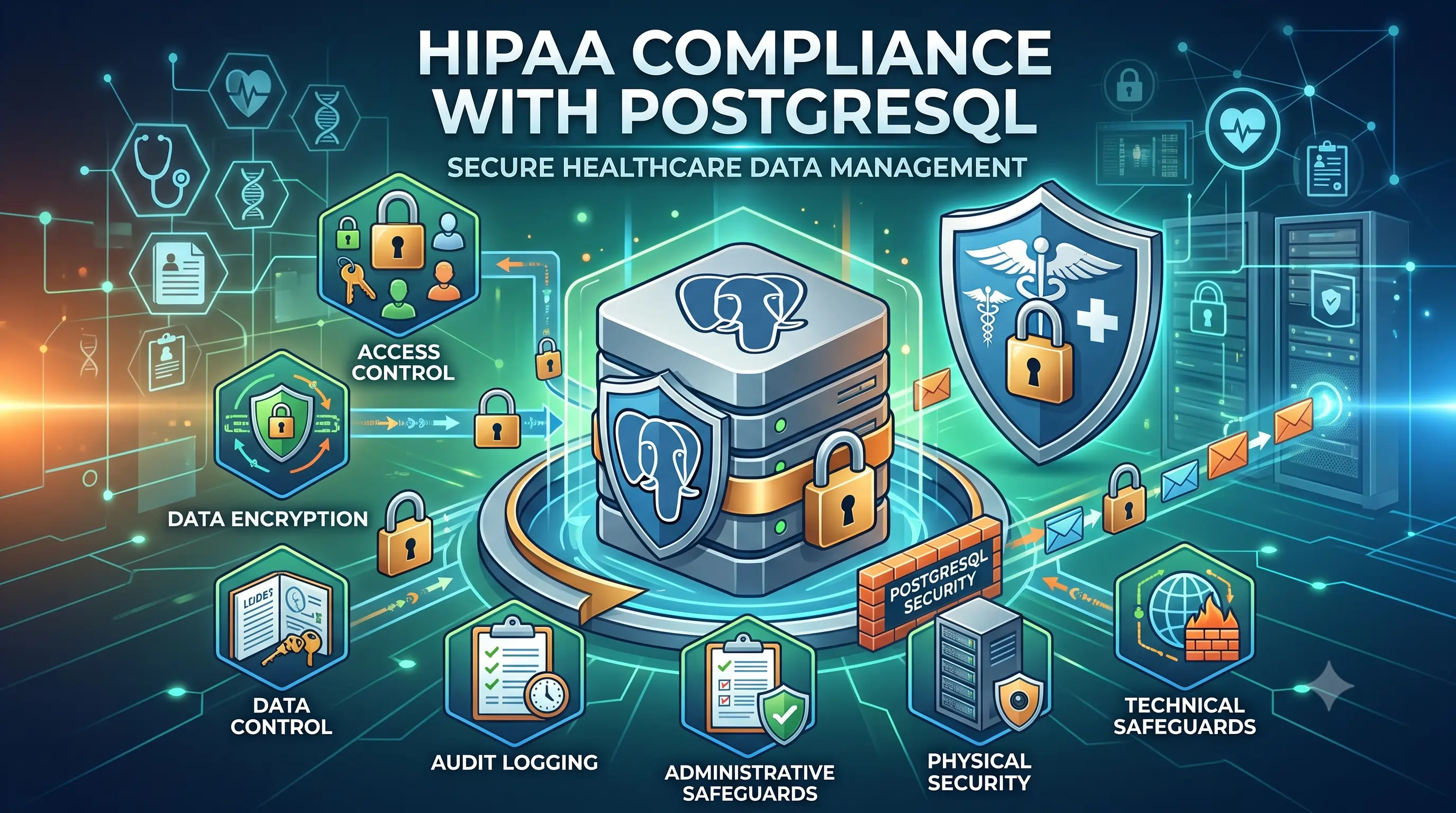
Building software for healthcare means Protected Health Information (PHI) is going to live in your database sooner or later. HIPAA's Security Rule tells you what has to be protected — it doesn't tell you which line of postgresql.conf to edit. This guide closes that gap.
We'll build a small hospital management system schema from scratch and apply every major HIPAA technical safeguard to it, live, with runnable SQL. Copy each block straight into your terminal as you follow along.
1. Extension Setup
CREATE EXTENSION IF NOT EXISTS pgcrypto;CREATE EXTENSIONloads a PostgreSQL add-on module into the current database.pgcryptoprovides cryptographic functions (pgp_sym_encrypt,pgp_sym_decrypt, hashing, etc.) that we use to encrypt PHI columns.IF NOT EXISTSmakes the statement safe to re-run without erroring if it's already installed.
2. Design and Create the Tables
We'll model a minimal hospital system: providers, patients, appointments, prescriptions, and billing.
CREATE TABLE providers (
    provider_id     SERIAL PRIMARY KEY,
    first_name      TEXT NOT NULL,
    last_name       TEXT NOT NULL,
    npi_number      TEXT UNIQUE NOT NULL,
    department      TEXT
);

CREATE TABLE patients (
    patient_id          SERIAL PRIMARY KEY,
    first_name          TEXT NOT NULL,
    last_name           TEXT NOT NULL,
    dob                 DATE NOT NULL,
    ssn_encrypted        BYTEA,              -- pgcrypto encrypted
    phone               TEXT,
    email               TEXT,
    insurance_number_encrypted BYTEA,         -- pgcrypto encrypted
    assigned_provider_id INT REFERENCES providers(provider_id)
);

CREATE TABLE appointments (
    appointment_id   SERIAL PRIMARY KEY,
    patient_id       INT REFERENCES patients(patient_id),
    provider_id      INT REFERENCES providers(provider_id),
    appointment_date TIMESTAMP NOT NULL,
    reason           TEXT,
    notes            TEXT
);

CREATE TABLE prescriptions (
    prescription_id  SERIAL PRIMARY KEY,
    patient_id       INT REFERENCES patients(patient_id),
    provider_id      INT REFERENCES providers(provider_id),
    medication       TEXT,
    dosage           TEXT,
    date_prescribed  DATE DEFAULT CURRENT_DATE
);

CREATE TABLE billing (
    billing_id             SERIAL PRIMARY KEY,
    patient_id             INT REFERENCES patients(patient_id),
    amount                 NUMERIC(10,2),
    insurance_claim_number TEXT,
    payment_status         TEXT
);SERIALauto-generates an incrementing integer — a safe internal ID that is not derived from any real-world identifier (never use SSN or license numbers as primary keys).PRIMARY KEYenforces uniqueness and creates an index automatically.NOT NULL— every provider must have a name; prevents incomplete/orphaned records.UNIQUEensures no two providers share the same National Provider Identifier — a real-world integrity rule enforced by the database itself, not just app code.- No constraint — optional field.
BYTEAstores raw binary data. This is the encrypted (ciphertext) form of the SSN — it is never stored as plainTEXT. Anyone reading the raw table (e.g., in a leaked backup) sees only bytes, not the SSN.- Same pattern applied to the insurance number — every direct identifier gets this treatment.
REFERENCEScreates a foreign key — PostgreSQL will refuse to insert a patient pointing to a provider that doesn't exist. This column is what our later Row-Level Security policy will filter on.- Same patterns repeat:
SERIAL PRIMARY KEYfor the internal ID,REFERENCESto link back topatientsandproviders, and free-text fields (reason,notes,medication) that count as PHI because they describe a patient's health condition — even though they aren't encrypted at the column level in this demo, they inherit protection from RLS + RBAC + audit logging (defense in depth).
3. Encrypt Sensitive Columns With pgcrypto
Insert a demo patient with the SSN and insurance number encrypted, never stored in plaintext.
-- In a real system, this key comes from a KMS/Vault — never hardcoded.
-- For the demo, we'll simulate it with a session variable.

INSERT INTO providers (first_name, last_name, npi_number, department)
VALUES ('Sarah', 'Chen', 'NPI1234567', 'Cardiology');

INSERT INTO patients (first_name, last_name, dob, ssn_encrypted, phone, email,
                       insurance_number_encrypted, assigned_provider_id)
VALUES (
    'John', 'Doe', '1985-03-14',
    pgp_sym_encrypt('123-45-6789', 'demo_encryption_key'),
    '555-0100', 'john.doe@email.com',
    pgp_sym_encrypt('INS-998877', 'demo_encryption_key'),
    1
);
pgp_sym_encrypt(plaintext, key) encrypts the string and returns ciphertext bytes — inside the INSERT itself, so plaintext PHI never lands in a column.
4. See What Raw (Encrypted) Data Looks Like
SELECT * FROM patients;The ssn_encrypted and insurance_number_encrypted columns come back as unreadable binary. This is exactly what an attacker would see if they got access to a database backup or exploited a SQL injection vulnerability — ciphertext, not a Social Security number.
5. Decrypt the Data With the Encryption Key
We're using a hardcoded key here purely for the demo. In production, that key is fetched from a KMS or Vault at query time — it never appears in source code or SQL scripts.
SELECT pgp_sym_decrypt(ssn_encrypted, 'demo_encryption_key') AS real_ssn
FROM patients WHERE patient_id = 1;
6. Create Role-Based Access Control (RBAC)
CREATE ROLE doctor_role LOGIN PASSWORD 'demo_pw_doctor';
GRANT SELECT, INSERT, UPDATE ON patients, appointments, prescriptions TO doctor_role;

CREATE ROLE billing_role LOGIN PASSWORD 'demo_pw_billing';
GRANT SELECT (patient_id, first_name, last_name, insurance_number_encrypted) ON patients TO billing_role;
GRANT SELECT, INSERT, UPDATE ON billing TO billing_role;
REVOKE ALL ON appointments, prescriptions FROM billing_role;

CREATE ROLE auditor_role LOGIN PASSWORD 'demo_pw_auditor';
Note the column-level grant on patients for billing_role — billing staff can see identity and insurance fields but nothing clinical. That's HIPAA's "minimum necessary" principle enforced by the schema itself, not by hoping the application code remembers to filter it out.
7. Enable Row-Level Security (RLS)
ALTER TABLE patients ENABLE ROW LEVEL SECURITY;
ALTER TABLE appointments ENABLE ROW LEVEL SECURITY;
ALTER TABLE prescriptions ENABLE ROW LEVEL SECURITY;

-- Doctors can only see patients assigned to them
CREATE POLICY doctor_patient_access ON patients
    FOR SELECT
    TO doctor_role
    USING (assigned_provider_id = current_setting('app.current_provider_id')::int);

CREATE POLICY doctor_appt_access ON appointments
    FOR SELECT
    TO doctor_role
    USING (provider_id = current_setting('app.current_provider_id')::int);
Once RLS is enabled, granting SELECT no longer means "see every row" — a role sees zero rows until a policy explicitly lets some through.
8. Live Demo: Same Query, Different Results
-- Simulate Dr. Chen's session (provider_id = 1)
SET ROLE doctor_role;
SET app.current_provider_id = '1';
SELECT * FROM patients;   -- returns only John Doe

-- Simulate a different doctor (provider_id = 2, no assigned patients yet)
SET app.current_provider_id = '2';
SELECT * FROM patients;   -- returns zero rows, even though the table has data
RESET ROLE;
This is the moment that tends to land best in a live demo: identical query text, two different identities, two different result sets — enforced entirely by the database, with no filtering logic in the application layer to get wrong.
9. Turn On Audit Logging With pgAudit
-- Requires pgaudit added to shared_preload_libraries + restart
CREATE EXTENSION IF NOT EXISTS pgaudit;
Then update postgresql.conf:
shared_preload_libraries = 'pgaudit'
pgaudit.log = 'read, write, role, ddl'
pgaudit.log_parameter = on
log_connections = on
log_disconnections = on
log_line_prefix = '%m [%p] user=%u db=%d '
Restart PostgreSQL, re-run the Step 8 demo queries, and tail the log live:
tail -f /usr/local/pgsql/hms_data/log/postgresql-*.logHIPAA requires the ability to reconstruct who accessed what PHI and when — pgAudit is what produces that trail, with the exact query text and executing user attached to every line.
10. Enforce Encrypted Connections (SSL/TLS)
openssl req -new -x509 -days 365 -nodes -text \
  -out server.crt -keyout server.key -subj "/CN=medicare-hms-demo"
chmod 600 server.key# postgresql.conf
ssl = on
ssl_cert_file = 'server.crt'
ssl_key_file = 'server.key'
ssl_min_protocol_version = 'TLSv1.2'# pg_hba.conf
hostssl all all 0.0.0.0/0 scram-sha-256
host all all 0.0.0.0/0 reject11. Test the SSL Enforcement
psql "host=localhost dbname=medicare_hms sslmode=disable"   # fails
psql "host=localhost dbname=medicare_hms sslmode=require"   # succeeds
12. Apply Session and Password Policies
ALTER ROLE doctor_role SET idle_in_transaction_session_timeout = '15min';
ALTER ROLE billing_role SET idle_in_transaction_session_timeout = '15min';

-- Enforce password rotation policy at the organizational/IAM level;
-- PostgreSQL itself doesn't natively expire passwords by time without
-- an extension like `passwordcheck` or an external identity provider (recommended).
PostgreSQL doesn't natively expire passwords on a schedule without an extension like passwordcheck — for real deployments, enforce password rotation through an external identity provider (SSO/LDAP) instead.
13. Set Up Encrypted, Tested Backups
# Encrypted logical backup
pg_dump medicare_hms | openssl enc -aes-256-cbc -salt -out hms_backup.sql.enc -k "$BACKUP_KEY"

# Restore test (run this regularly, not just once!)
openssl enc -d -aes-256-cbc -in hms_backup.sql.enc -k "$BACKUP_KEY" | psql medicare_hms_restore_test
A backup that's never been restored isn't a verified backup. Schedule restore drills, not just backup jobs.
14. Run the Verification Checklist
-- 1. Confirm RLS is enabled
SELECT relname, relrowsecurity FROM pg_class WHERE relname = 'patients';

-- 2. Confirm SSL is enforced
SHOW ssl;

-- 3. Confirm pgAudit is active
SHOW shared_preload_libraries;

-- 4. Confirm roles have correct grants
SELECT grantee, table_name, privilege_type
FROM information_schema.role_table_grants
WHERE grantee IN ('doctor_role','billing_role');
Key Takeaways
- HIPAA compliance for PostgreSQL rests on four pillars: encryption, access control, row-level security, and audit logging.
- Push these controls as close to the data as possible — inside the database — rather than relying solely on application code to enforce them correctly every time.
- Encryption keys belong in a KMS or Vault, never hardcoded in SQL or source code.
- A signed Business Associate Agreement (BAA) is a legal prerequisite before any cloud-hosted PostgreSQL instance can store PHI — encryption and access control are what make that BAA meaningful in practice.